how to stop doomscrolling at night
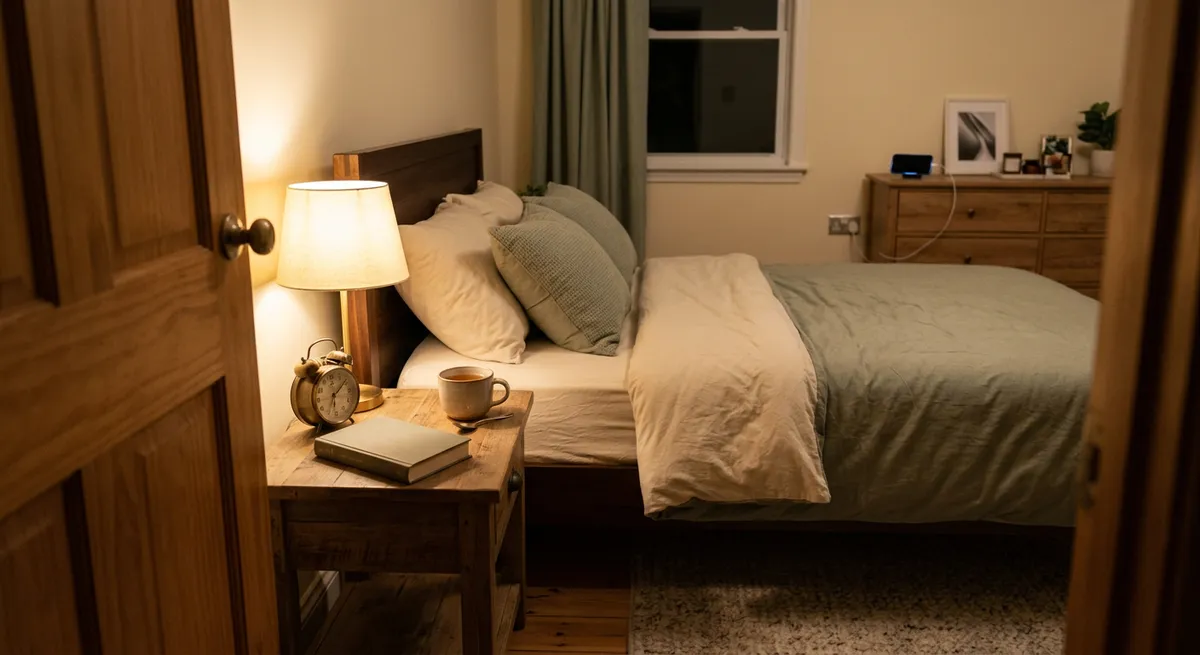
To stop doomscrolling at night, set clear phone boundaries, use iPhone tools to limit distractions, and create a calming bedtime routine away from screens. Doomscrolling disrupts sleep and increases stress, so making small changes—like placing your phone out of reach and using screen time features—can make a real difference. This guide covers specific, actionable steps for how to stop doomscrolling and reclaim your evenings.
To stop doomscrolling at night, set app limits or use downtime features on your phone, keep your device out of reach or outside the bedroom, and replace scrolling with calming activities like reading or journaling. Gradually increase device-free time before bed to improve sleep and reduce stress.
key takeaways
- Set up iPhone screen time limits before bed to reduce night scrolling.
- Replace doomscrolling with relaxing offline activities for better sleep.
- Start small: even 15 device-free minutes before bed can help.
- Apps like Pauza can turn time away from your phone into positive reinforcement.
why doomscrolling feels so hard to stop at night
Doomscrolling—endlessly consuming negative news or social media feeds—often feels irresistible at night. This is partly because late hours lower our self-control, and the endless scroll of new content can keep us wired when our bodies are ready for rest. The blue light from screens also delays melatonin production, making it even harder to wind down.
Many people reach for their phones before bed out of habit or to fill a quiet moment. The design of social media apps, with infinite feeds and notifications, encourages us to keep scrolling, even when we know it's not helping us relax. Recognizing these patterns is the first step toward changing them.
If you want to know how to stop doomscrolling, it's important to understand that this habit is driven by both psychology and technology. By addressing both, you can gradually reclaim your evenings.
set up your iphone for fewer night-time distractions
Your iPhone includes several built-in tools that can help reduce late-night scrolling. Using Screen Time, you can set App Limits to restrict access to specific social apps after a certain hour. To do this: open Settings > Screen Time > App Limits, tap 'Add Limit,' choose the apps, and set the hours you'd like to restrict.
Another helpful feature is Downtime. This automatically blocks most apps and notifications during chosen hours. Go to Settings > Screen Time > Downtime, then set your preferred start and end times—such as 10:00 PM to 7:00 AM. Only calls and apps you specifically allow will be available.
For extra reinforcement, consider enabling Focus mode (Settings > Focus > Sleep) to silence notifications and dim your Lock Screen. Apps like Pauza can add a layer of positive motivation by rewarding you for time spent off your phone in the evenings.
- Open Settings on your iPhone.
- Tap 'Screen Time.'
- Set up App Limits for social media.
- Enable Downtime for your ideal sleep hours.
- Turn on Focus mode to silence notifications.

swap doomscrolling for healthier nighttime habits
Replacing doomscrolling with calming activities can ease the transition away from screens. The key is to have an alternative ready—something you enjoy that doesn't involve a device. Reading a physical book, journaling, stretching, or listening to gentle music can help signal to your brain that it's time to wind down.
Start small. If you usually scroll for an hour, aim to spend just 15 minutes device-free before bed, then gradually increase this window. Keep your chosen activity within arm's reach so switching routines feels effortless.
Consider creating a simple wind-down ritual: dim the lights, make a cup of herbal tea, or spend a few minutes reflecting on your day. These habits can help your body and mind disconnect from the stress of online content.
- Read a chapter of a book or a magazine.
- Write in a journal or plan tomorrow.
- Stretch or do gentle yoga.
- Listen to calming music or a podcast.
make your bedroom a phone-free zone
Keeping your phone out of the bedroom is one of the simplest ways to reduce doomscrolling at night. If you use your device as an alarm clock, consider switching to a traditional alarm. Charge your phone in another room or across the room to break the habit of reaching for it in bed.
Studies show that removing devices from the bedroom improves sleep quality and makes it easier to fall asleep. Try placing your phone in a drawer, on a shelf, or even in a different room entirely after a certain hour. This physical barrier helps reinforce your intention to disconnect.
If you need to remain reachable for emergencies, set your phone to 'Do Not Disturb Except Favorites'—this way, only important calls will break through, but other notifications stay silent.
track your progress and reward yourself for phone-free time
Measuring your efforts can make it easier to build new habits. Use your iPhone's Screen Time reports (Settings > Screen Time > See All Activity) to check your nightly usage. Set small, realistic goals—such as reducing screen time by 10 minutes per night—and celebrate your progress.
Positive reinforcement can help you stick to new routines. Apps like Pauza reward you with in-app tokens for every minute spent off your phone, letting you build streaks or even challenge friends to see who scrolls less. This makes the process more motivating, without adding pressure.
Remember, it's normal for your screen time to fluctuate. Focus on gradual improvement rather than perfection. Over time, you'll notice it gets easier to put the phone down at night.
understand your personal triggers and build a sustainable routine
Everyone's reasons for doomscrolling are different. Some people turn to their phones to escape stress, while others want to stay informed or feel connected. Take a few minutes to reflect on what draws you to your device at night—are you bored, anxious, or just following a habit?
Once you've identified your triggers, you can plan specific strategies. If stress is your main reason, try a mindfulness exercise before bed. If boredom is the issue, keep a book or crossword by your bedside. The goal is to create a routine that genuinely meets your needs without relying on endless scrolling.
Building new habits takes time. Be patient with yourself, and remember that even small changes add up. Track your sleep and mood over a few weeks to see how your new routine is affecting you.
by the numbers
- The average internet user spends 2 hours and 21 minutes on social media every day.— DataReportal, Digital 2025
Ready to try a new approach to your evenings? Download Pauza on your iPhone and start turning minutes away from your screen into positive habits.
Get Pauza on iPhone
frequently asked questions
What is doomscrolling and why does it happen more at night?
Doomscrolling is the habit of continuously consuming negative or distressing news or social content. It often worsens at night due to lower self-control and the easy availability of new content on our phones.
How can I set limits on social media apps at night using my iPhone?
Go to Settings > Screen Time > App Limits, select the apps you want to limit, and set your preferred hours. You can also enable Downtime in the Screen Time settings for a broader block.
What are some alternatives to scrolling before bed?
Try reading a book, journaling, listening to calming music, or stretching. Having a favorite offline activity ready makes it easier to break the doomscrolling habit.
How does Pauza help reduce doomscrolling?
Pauza rewards you with in-app tokens for time spent off your phone, encourages positive streaks, and lets you challenge friends to scroll less, all while keeping your usage data private.
Is it necessary to remove my phone from the bedroom to stop doomscrolling?
It's not required, but many people find that keeping their phone out of reach or in another room at night helps break the habit of late-night scrolling.
Will cutting back on doomscrolling actually help me sleep better?
Reducing screen time before bed can make it easier to fall asleep and improve sleep quality, since phone use and blue light can disrupt your natural sleep cycle.
free tools
- screen time calculator — see what your daily hours add up to over a year
- average screen time statistics — how your usage compares to the latest data
- phone habit test — a 2-minute check of your phone habits


